Apps
iOS apps on the App Store.
iOS Apps
One Stock Widget
A beautiful iOS widget that displays a single stock quote on your home screen. Track your most important stock at a glance.
View on App Store →OL Bridge
An elegant contract bridge scoring and bidding trainer for iOS. Perfect your bridge game with intuitive tools and practice modes.
View on App Store →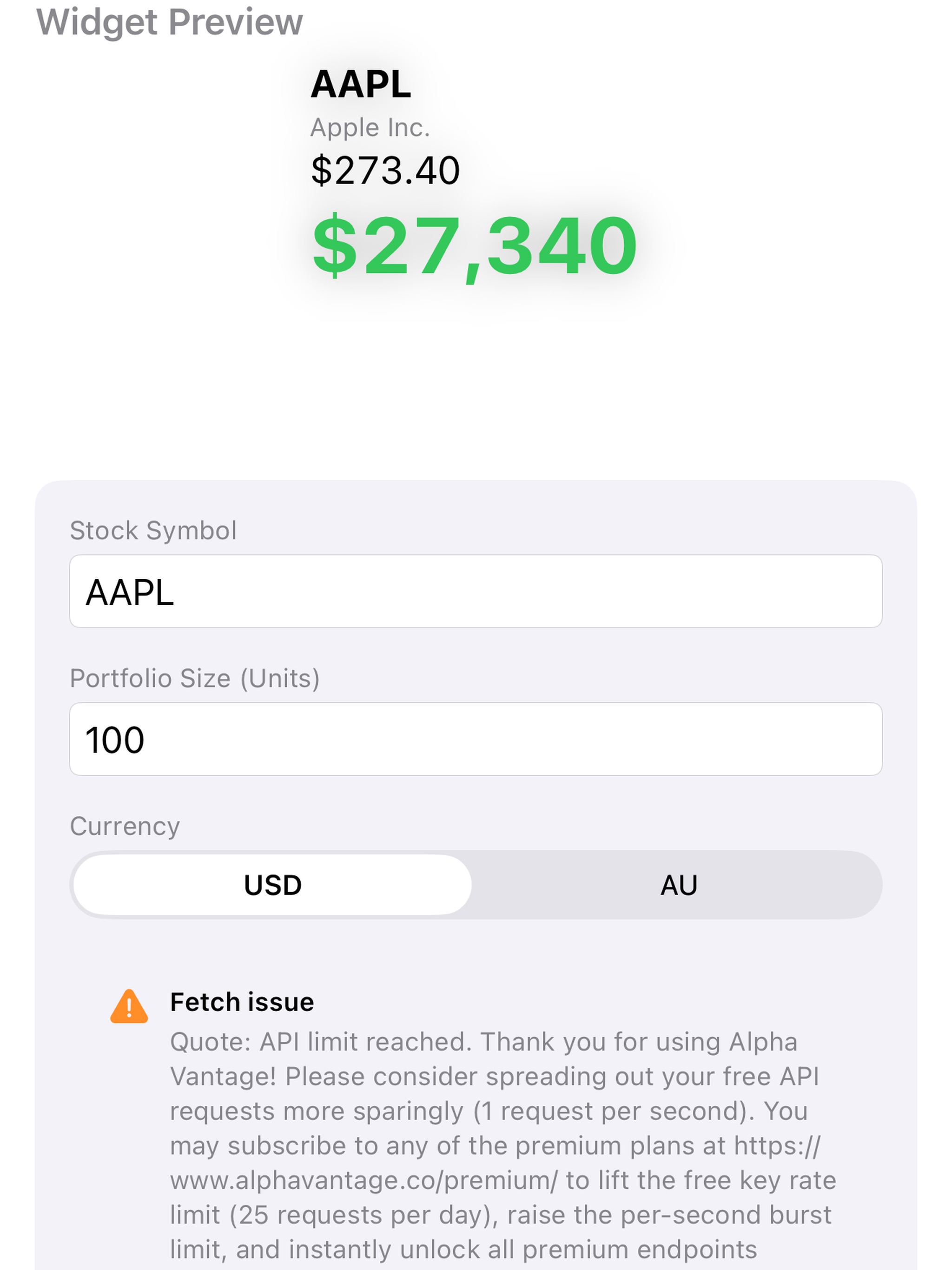
One Stock Widget
One Stock Widget puts your most important investment right on your home screen. No more opening apps, logging in, or searching through portfolios. Just glance at your widget and instantly see your stock's current price and your portfolio value. Designed for focused investors who want to track a single stock position without distractions, One Stock Widget delivers the information you need in a beautiful, easy-to-read format. **Key Features:** • **Live Stock Prices** - Real-time price updates for any US stock symbol • **Portfolio Value Display** - See your total position value at a glance with large, bold numbers • **Price History Chart** - Visual 15-day trend chart shows you where your stock is heading • **Multi-Currency Support** - View your portfolio value in USD or Australian Dollars with automatic currency conversion • **Color-Coded Performance** - Green for gains, red for losses - understand your position instantly • **Beautiful Widget Design** - Clean, modern interface that looks great on any home screen • **Smart Data Caching** - Efficient updates that respect your battery life • **Offline Support** - Cached data ensures you always see your last known values **Perfect For:** • Long-term investors tracking a core holding • Employees monitoring company stock • Day traders focused on a single position • Anyone who wants quick access to stock information without opening multiple apps **Simple Setup:** 1. Enter your stock symbol (AAPL, GOOGL, TSLA, etc.) 2. Input how many shares you own 3. Choose your preferred currency 4. Add the widget to your home screen That's it! Your personalized stock widget is ready to keep you informed throughout the day. One Stock Widget respects your privacy. All your configuration data stays on your device. No account required, no data collection, no ads. Whether you're tracking Apple, Tesla, Microsoft, or any other US-listed stock, One Stock Widget gives you the focused, distraction-free experience you deserve. Stop scrolling through complex portfolio apps for a simple price check. Get One Stock Widget and see your investment status in seconds.
View on App Store →daz_music
Coming Soon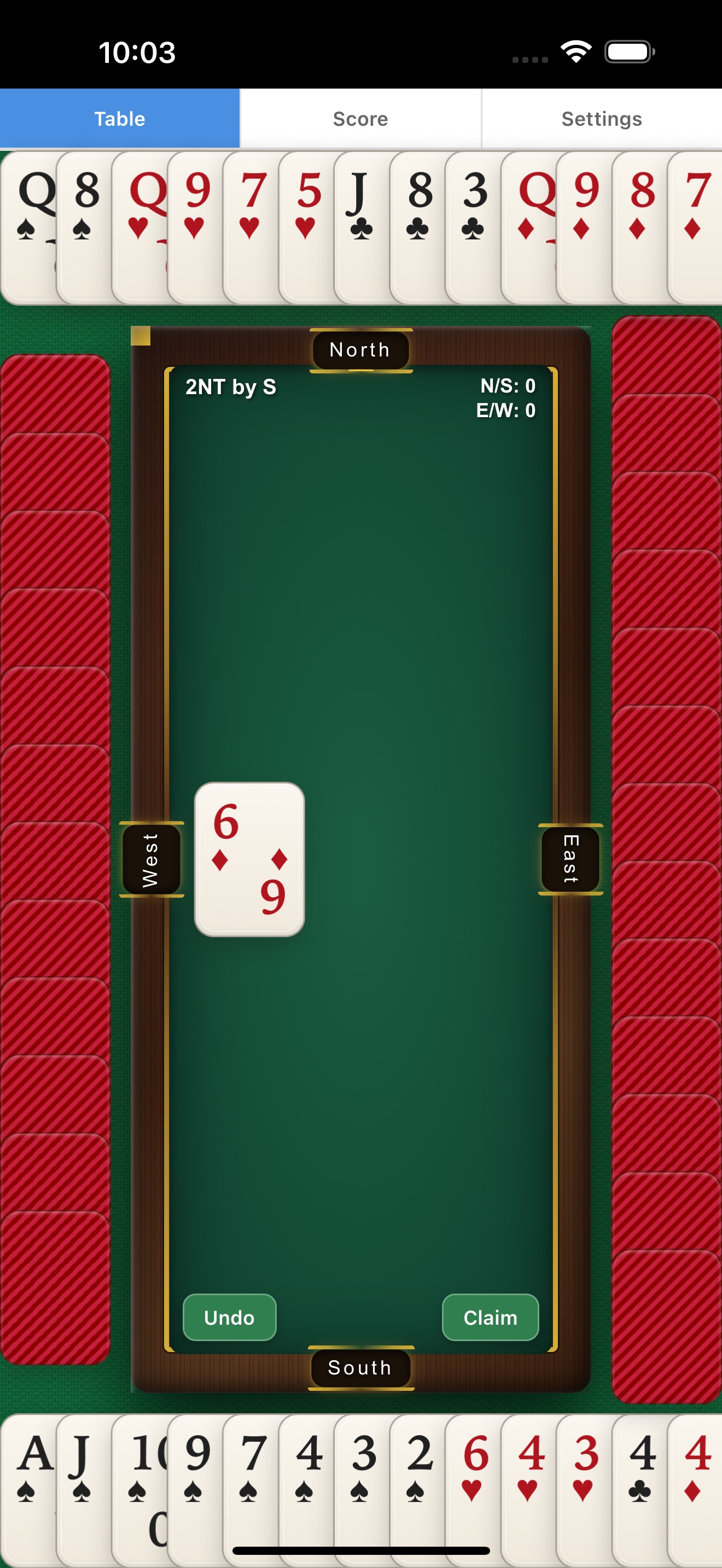
OL Bridge
Master the timeless card game of Contract Bridge right from your iPhone or iPad. OL Bridge delivers an authentic bridge experience with intelligent AI opponents that challenge players of all skill levels. Whether you're a seasoned bridge veteran or just learning the ropes, OL Bridge provides the perfect environment to sharpen your bidding and play skills. The intuitive touch interface makes it easy to bid, play cards, and follow the action on a beautifully designed felt table. **Key Features:** • **Smart AI Partners & Opponents** - Play with three AI players that understand standard bidding conventions and make intelligent plays • **Complete Bidding System** - Full support for contract bidding including doubles, redoubles, and all strain levels • **Authentic Gameplay** - Experience all 13 tricks with proper lead rules, trump handling, and trick-taking mechanics • **Beautiful Card Table** - Gorgeous green felt design with clear card visibility and smooth animations • **Scoring System** - Track your performance with accurate duplicate-style scoring • **Claim Feature** - Speed up obvious endings by claiming remaining tricks • **Undo Support** - Made a mistake? Step back and try a different approach • **Seed-Based Deals** - Replay specific hands or share interesting deals with friends • **Portrait Optimized** - Designed specifically for comfortable one-handed phone play Bridge is one of the world's most popular card games, combining elements of strategy, memory, and partnership communication. In OL Bridge, you sit South and partner with North against East-West. The game follows standard contract bridge rules: bid to determine the contract, then play to make your tricks. The bidding phase lets you communicate with your partner through the auction, competing against opponents to win the contract. Once bidding concludes, the declarer works to fulfill the contract while defenders try to set it. Every decision matters - from the opening lead to the final trick. Perfect for practice sessions during your commute, lunch break, or whenever you have a few minutes to exercise your mind. OL Bridge helps you develop card sense, improve your bidding judgment, and experience the deep satisfaction of making a difficult contract or finding the killing defense. No internet connection required - play anytime, anywhere. Challenge yourself against the AI and become a better bridge player one hand at a time.
View on App Store →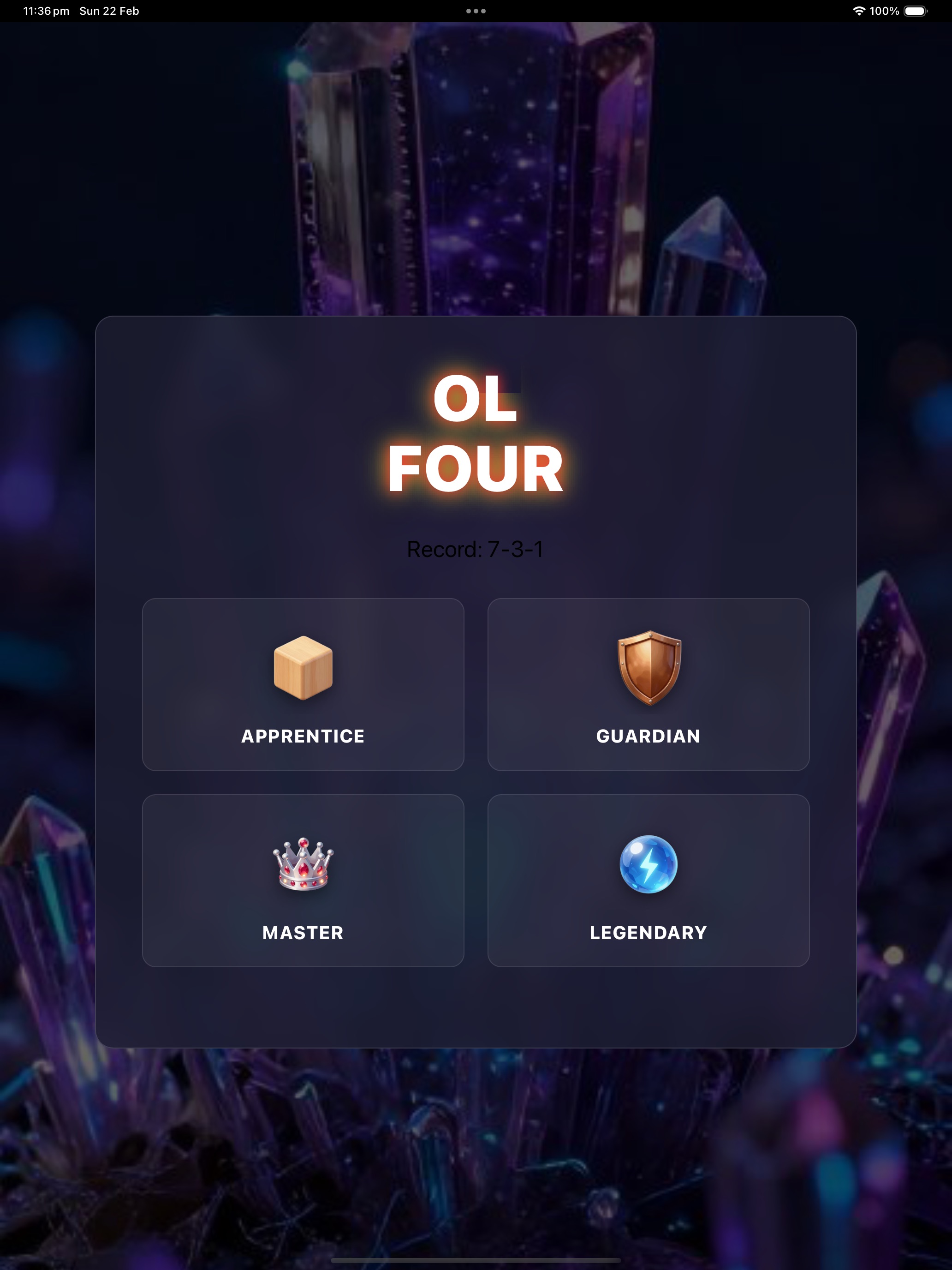
OL Four
Challenge your mind with OL Four — the stunning Connect 4 strategy game designed for comfortable one-handed play on your iPhone! OL Four features a unique orientation lock that keeps your game upright no matter how you hold your phone. Play in bed, on the couch, or on the go without the screen ever flipping on you. FEATURES: • Four difficulty levels: Apprentice, Guardian, Master, and Legendary • Smart AI opponent with minimax strategy and alpha-beta pruning • Beautiful neon crystal aesthetic with glowing red and yellow tokens • Satisfying token drop animations with realistic bounce physics • Win/Loss/Draw statistics tracking • Power Balance gauge showing your recent performance • Winning piece highlighting with pulse effects • Game state auto-save across sessions • Portrait orientation lock — the screen never flips • Offline play — no internet required Whether you're a casual player looking for quick fun or a strategy enthusiast seeking a real challenge, OL Four offers the perfect Connect 4 experience. The Legendary difficulty will test even the most skilled players with its deep lookahead AI. Drop your tokens, connect four in a row, and claim victory!
Coming Soon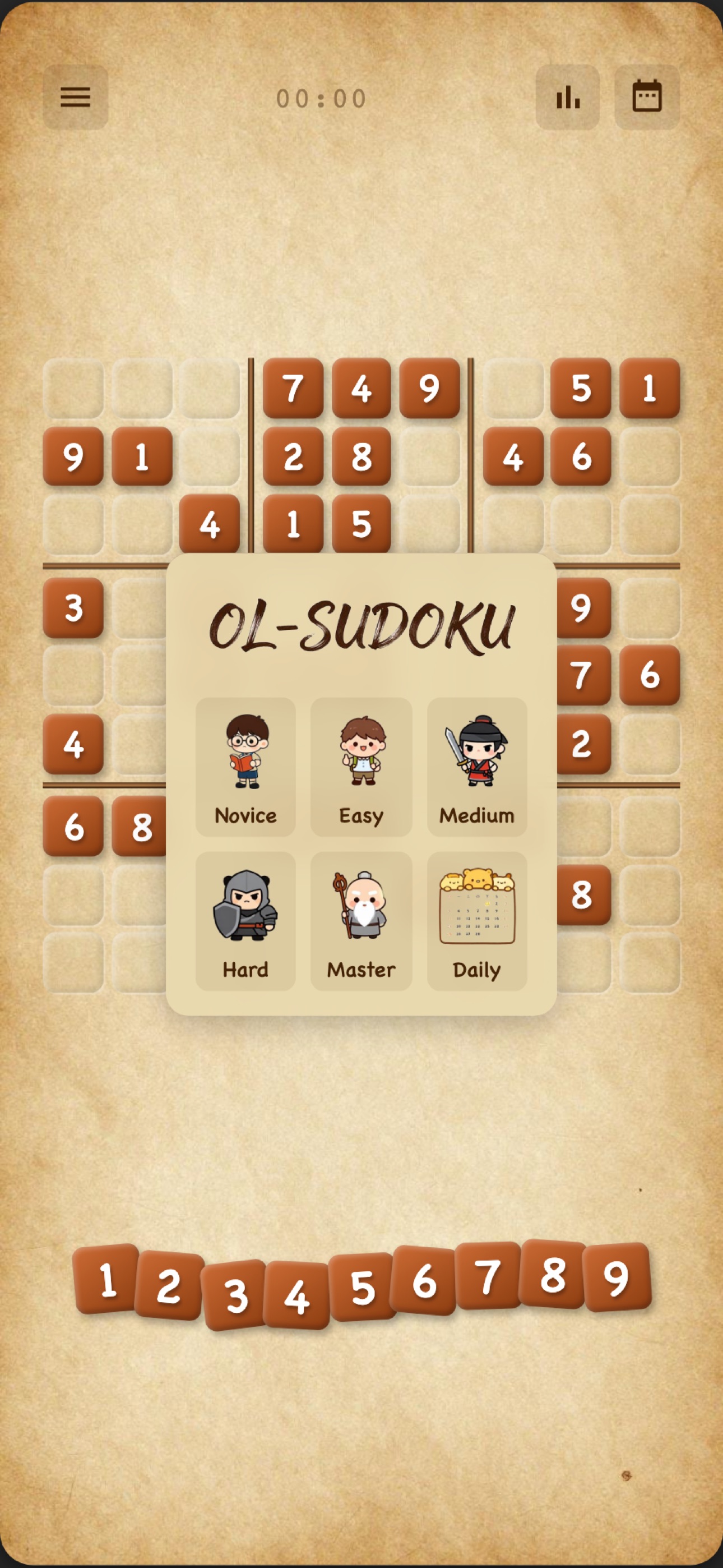
OL Sudoku
Challenge your mind with OL Sudoku — the elegant puzzle game designed for comfortable one-handed play on your iPhone! OL Sudoku features a unique orientation lock that keeps your game upright no matter how you hold your phone. Play in bed, on the couch, or on the go without the screen ever flipping on you. FEATURES: • Five difficulty levels: Novice, Easy, Medium, Hard, and Master • Daily Challenge: A fresh puzzle every day with varying difficulty • Smart number highlighting: Tap any number to see all instances on the board • Row, column, and box completion celebrations • Beautiful warm parchment design with hand-crafted wooden tile aesthetic • Built-in timer to track your progress • Statistics tracking: Win rate, average time, and best time per level • Daily challenge calendar to track your streak • Game state auto-save and crash recovery • iCloud sync keeps your stats across devices • Offline play — no internet required • Portrait orientation lock — the screen never flips Whether you're a beginner learning the ropes or a Sudoku master seeking a challenge, OL Sudoku offers puzzles at every skill level. The daily challenge gives you a fresh puzzle each day, perfect for building your problem-solving skills. Start your Sudoku journey today!
Coming Soon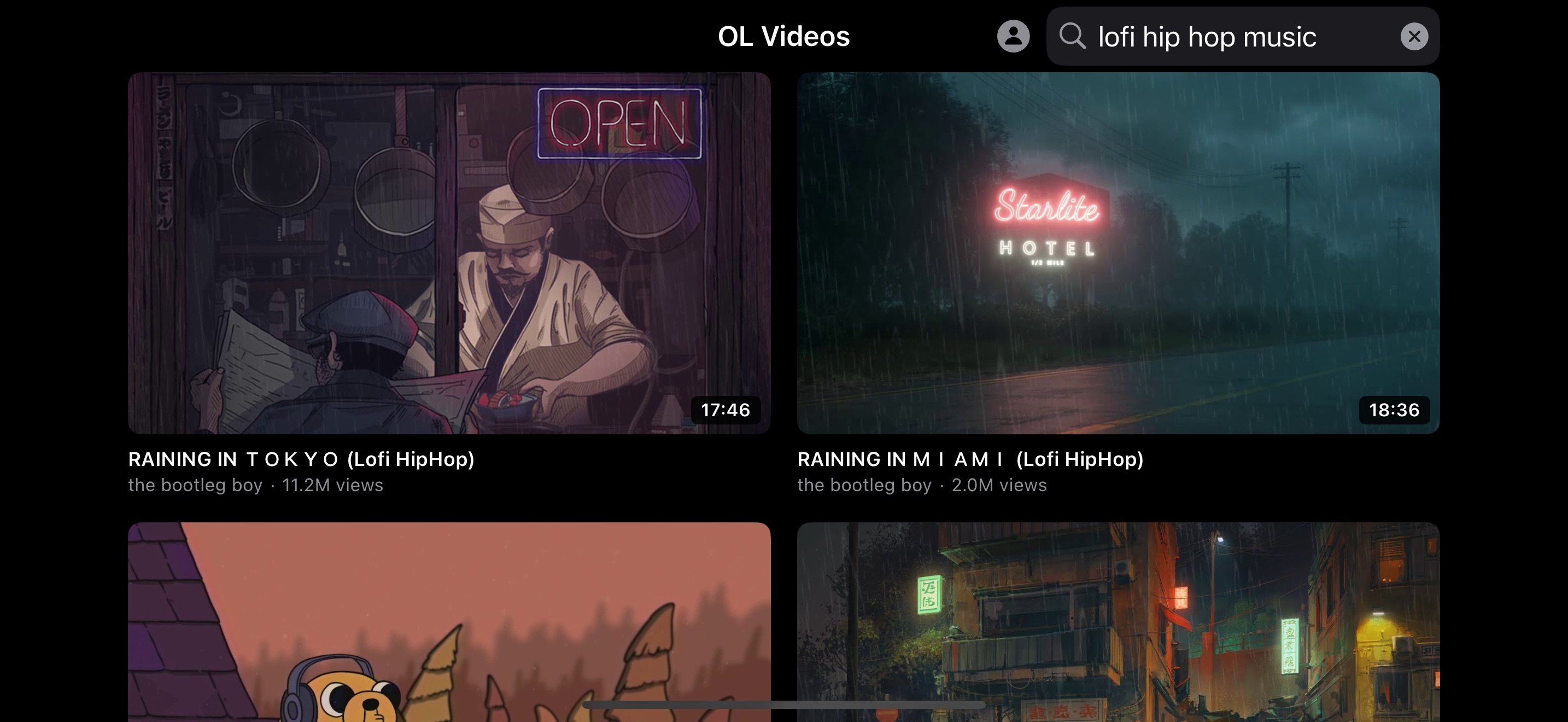
OL Videos
iPhone has no landscape orientation lock. OL Videos fixes that. OL Videos forces your screen into landscape mode for comfortable YouTube viewing. No more fighting auto-rotate. No more holding your phone at awkward angles. Just lock it landscape and watch. Browse your YouTube subscriptions, search for videos, and watch everything in a locked landscape view — the way videos are meant to be watched. Key Features: - Landscape Lock — The entire app runs in forced landscape orientation. No rotation surprises. - YouTube Subscription Feed — Sign in with Google to see your latest subscription uploads, sorted by newest first. - Fast Search — Find any YouTube video with instant search results. - Built-in Player — Watch videos directly in the app with playback speed control (0.5x to 2x). - Clean Interface — No clutter, no ads, no distractions. Just your videos. Why OL Videos? iOS lets you lock your phone in portrait, but there's no built-in landscape lock. If you watch YouTube in bed, on the couch, or lying on your side, you know the frustration — the screen keeps flipping. OL Videos solves this with a simple, dedicated landscape-locked YouTube viewer. Sign in with your Google account to access your subscriptions, or just use search. Your viewing experience stays locked in landscape, always. OL Videos respects your privacy. We don't collect any data. Your Google sign-in is handled directly by Google's official authentication — we never see your password.
Coming Soon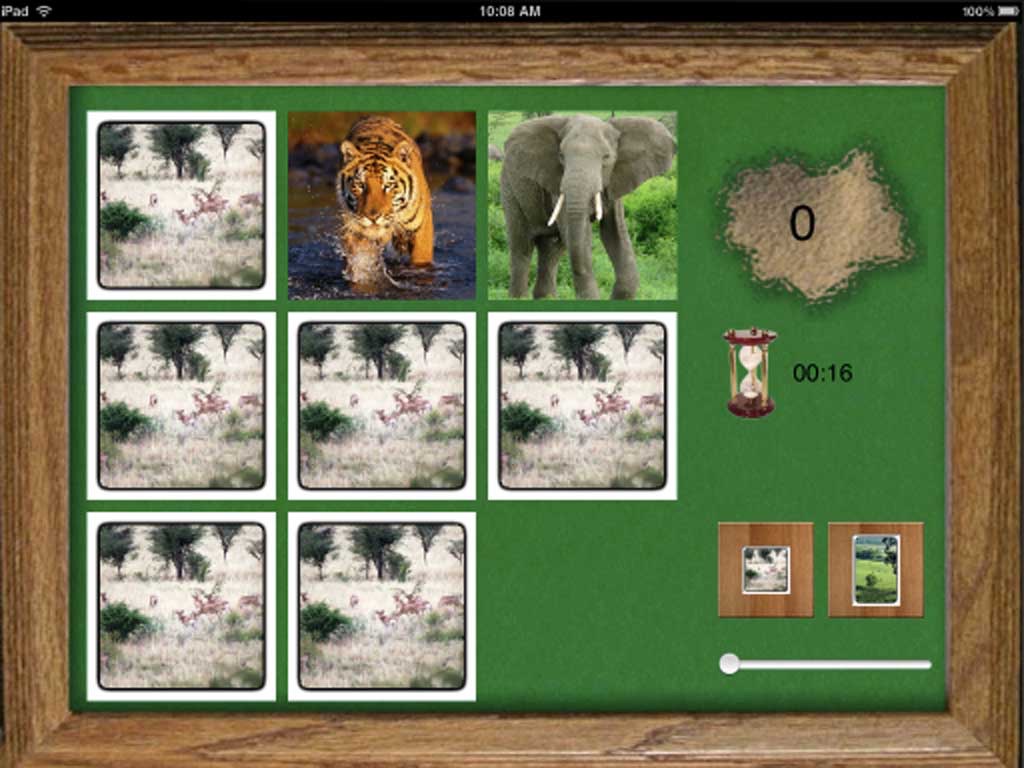
iCon Light
GamesEveryone needs a concentration game - its a quick and interesting way to kill a few minutes. This one is specifically written for the pad - with high resolution graphics and photos. Features * variable levels of difficulty * multiple card sets * timer * photos of animals This is particularly suited for toddlers, with photos of animals they know and recognize. This is the free lite version, the paid version allows creating your own board sets, and has sound, so you can make a "my family" set to engage your toddler. (or a more "adult" version for your own reasons :))
View on App Store →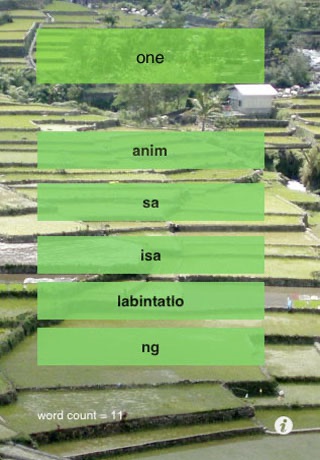
iLearn Tagalog
EntertainmentFor those who want to learn Tagalog. Learning the structure of a language is easy - mastering enough of the words to get by is the frustrating bit. This tutor aims to teach you as many words as quickly as you can learn them - it uses the iLearn AI to attempt to go at your speed, retesting and reminding you on past words while slowly introducing new ones when it feels you are ready for them.
View on App Store →
GroupieCam
PHOTO_AND_VIDEOWARNING - This only works with the iPhone XS and above - Apple doesn't support multi capture on earlier devices. The function is simple - it takes a picture with the front and back cameras at the same time, and stitches them together into a single image. Never be left out of a picture again!
View on App Store →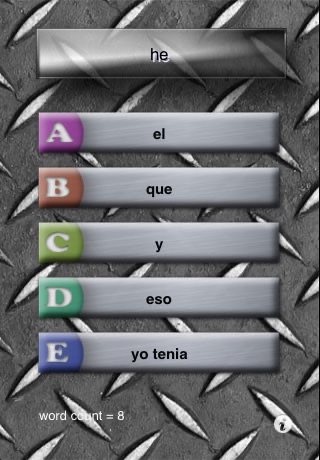
iLearn Spanish
EducationFor those who want to learn Spanish. Contains the 2500 most popular Spanish words. Learning the structure of a language is easy - mastering enough of the words to get by is the frustrating bit. This tutor aims to teach you as many words as quickly as you can learn them - it uses the iLearn AI to attempt to go at your speed, retesting and reminding you on past words while slowly introducing new ones when it feels you are ready for them
View on App Store →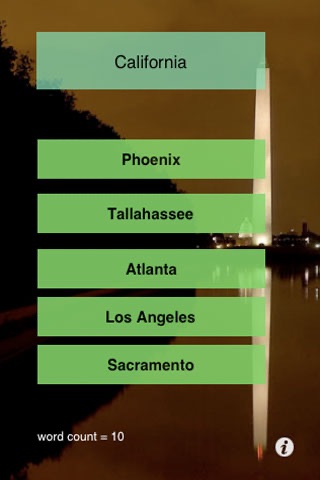
iLearn USA
EducationFor those who want to know the states and capitals of the US. This tutor aims to teach you as many items as quickly as you can learn them - it uses the iLearn AI to attempt to go at your speed, retesting and reminding you on past words while slowly introducing new ones when it feels you are ready for them.
View on App Store →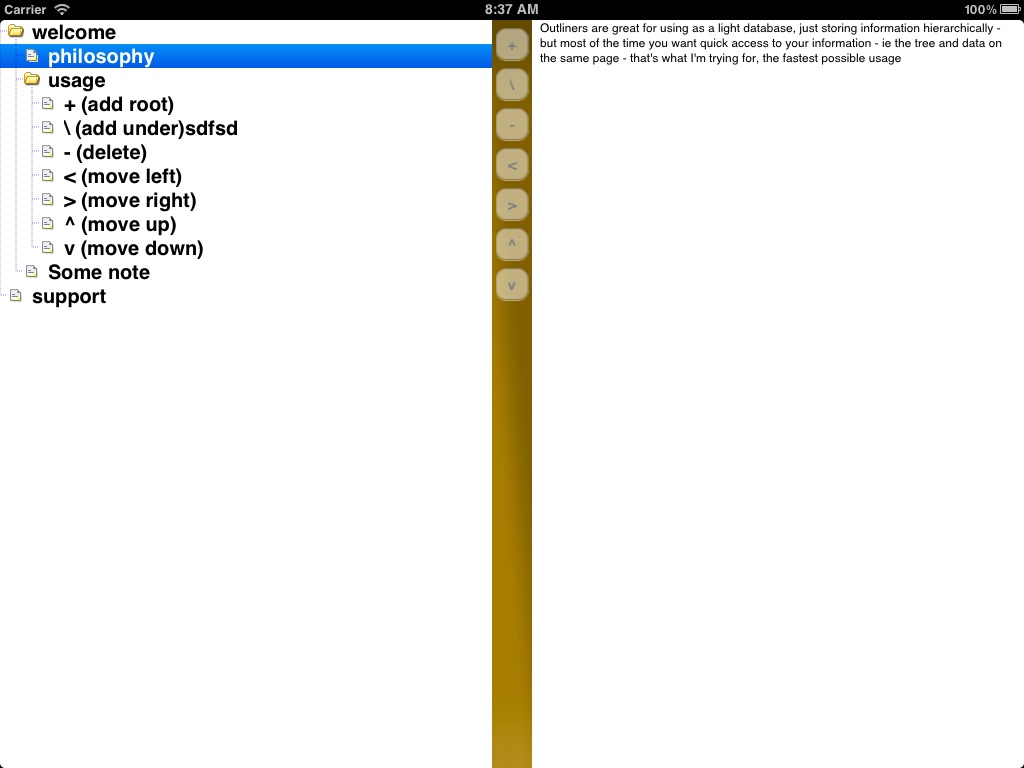
DazOutliner
ProductivityMost of the time, an outliner is used as a simple database - you want to store information in a tree, so you know where to find it. How annoying is it then, to have to swap to a different screen to find that information? The entire point of this is to allow you quick storage and retrieval - you have a tree of information that you can manipulate, but with a split view, you can also see the information associated with each item, and just by touching it, change it. The splitter is movable, so you can choose how much space the tree and the data take up
View on App Store →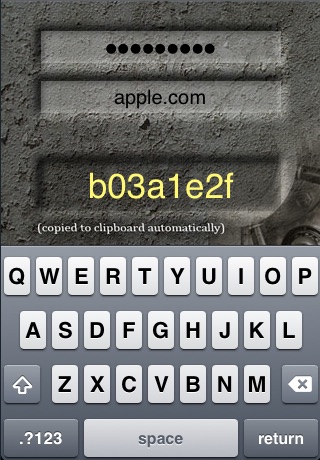
YourPass
ProductivityNever forget a password again. This app allows you to have a single master password, which you never give anyone, and then generate individual passwords for each site. * the quickest way to create or lookup a password * password automatically copied to the clipboard * If one site is hacked, none of your other passwords are at risk * uses MD5 to create your passwords * your master password is saved for convenience, but stored encrypted so it can't be reconstituted * generates password compatible with the great "password composer" web site * passwords completely repeatable - losing the app doesn't have to mean you lose the password
View on App Store →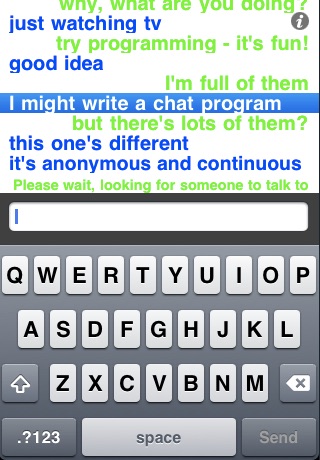
JustTalk
Social NetworkingA different type of chat program. You are given a seat in a conversation with another person. When they stop talking, someone else steps in to take their place. Anonymous, continuous... just talking.
View on App Store →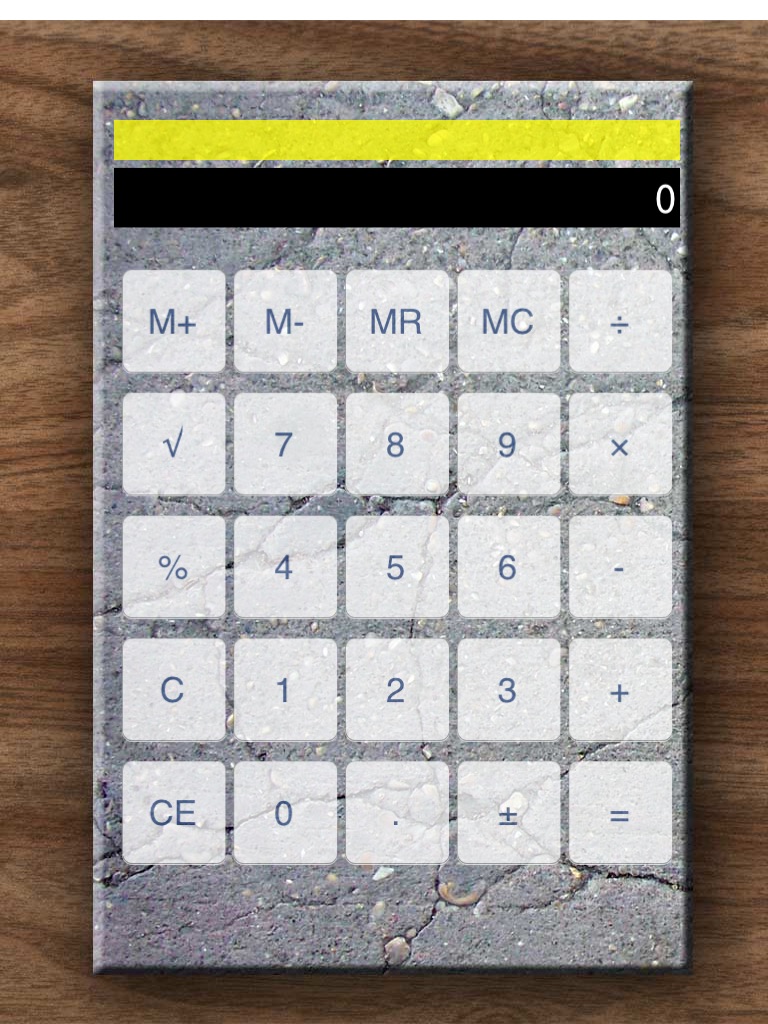
MultiCalc
ProductivityEver noticed the iPad doesn't come with a calculator? Well - with multicalc, you get not one, but a few of them (and for good measure, they'll work on your iphone as well - or vice versa) This is easily extensible, so I'm open to new calculator types, but for the moment, the following are provided * a simple calculator * a tip calculator * a reverse-polish calculator You can change calculators just by swiping to the one you want.
View on App Store →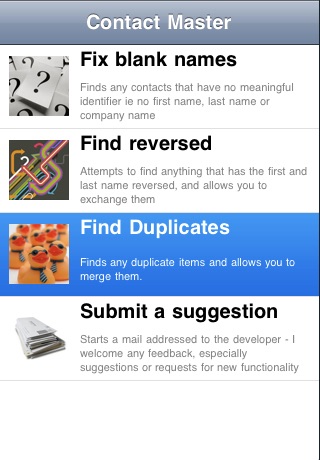
ContactMaster
ProductivityHave you ever synced your contacts with any other device? Guess what happens - you end up with all sorts of garbage contacts - contacts with no names - just email addresses - duplicate contacts, and contacts with the names reversed. Contact Master aims to fix that - everything wrong with your contacts. At the moment, there are four fixes included * remove blank names * fix reversed names and the big one * merge duplicate contacts * choose arbitrary contacts to merge but there is also an easy way of suggesting your own problems - so over time, if your contacts have a problem - this will fix it.
View on App Store →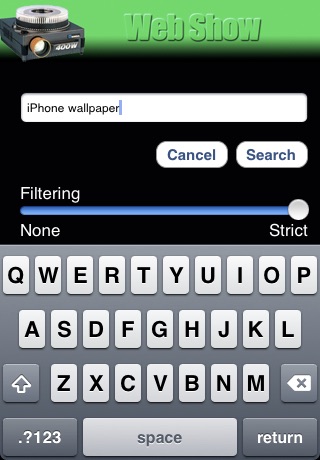
WebShow
Entertainmentiphone docked? doing nothing? Seems a shame to waste a screen. You could cycle through your own pictures, but do you really want to do that at work? WebShow is simple but entertaining - essentially it just does a web search for whatever you want, and plays a slideshow - so you get a continuous stream of new images in whatever theme you want.
View on App Store →